




Learn about ways to cut DynamoDB costs with minimal code changes, zero migration, and no architectural upheaval
If you’re running DynamoDB at scale, your bill might be tens of thousands of dollars higher than it needs to be. However, most teams don’t need a complete migration or architecture overhaul to save significantly. These configuration changes, all easily implemented, can reduce your costs by 50-80%. This guide covers the biggest wins for DynamoDB cost optimization, with the real math behind each recommendation.
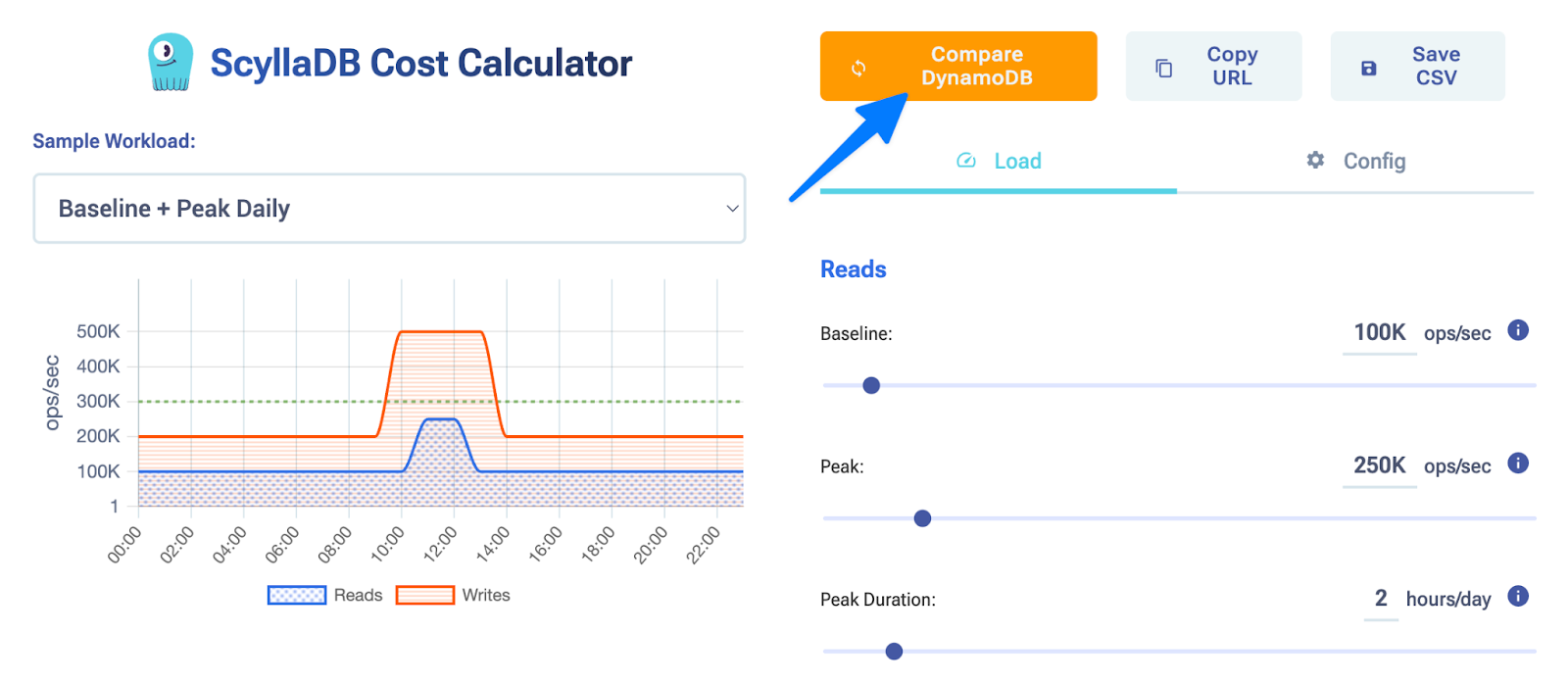
We will be sharing links to the ScyllaDB Cost Calculator at calculator.scylladb.com, which lets you model different workload scenarios with customized parameters and compare ScyllaDB pricing to DynamoDB pricing at the click of a button.
Switch from on-demand to provisioned + reserved capacity
This is the single biggest DynamoDB cost lever for most teams. On-demand capacity is convenient at first, with no planning required and just pay-as-you-go. But it’s also expensive. After AWS’s recent price reduction, on-demand costs 7.5x more than provisioned capacity. Before the drop, it was roughly 15x. Either way, the math is brutal.
Let’s look at a simple example: a mid-sized workload running 10,000 reads/sec and 10,000 writes/sec, 24/7.
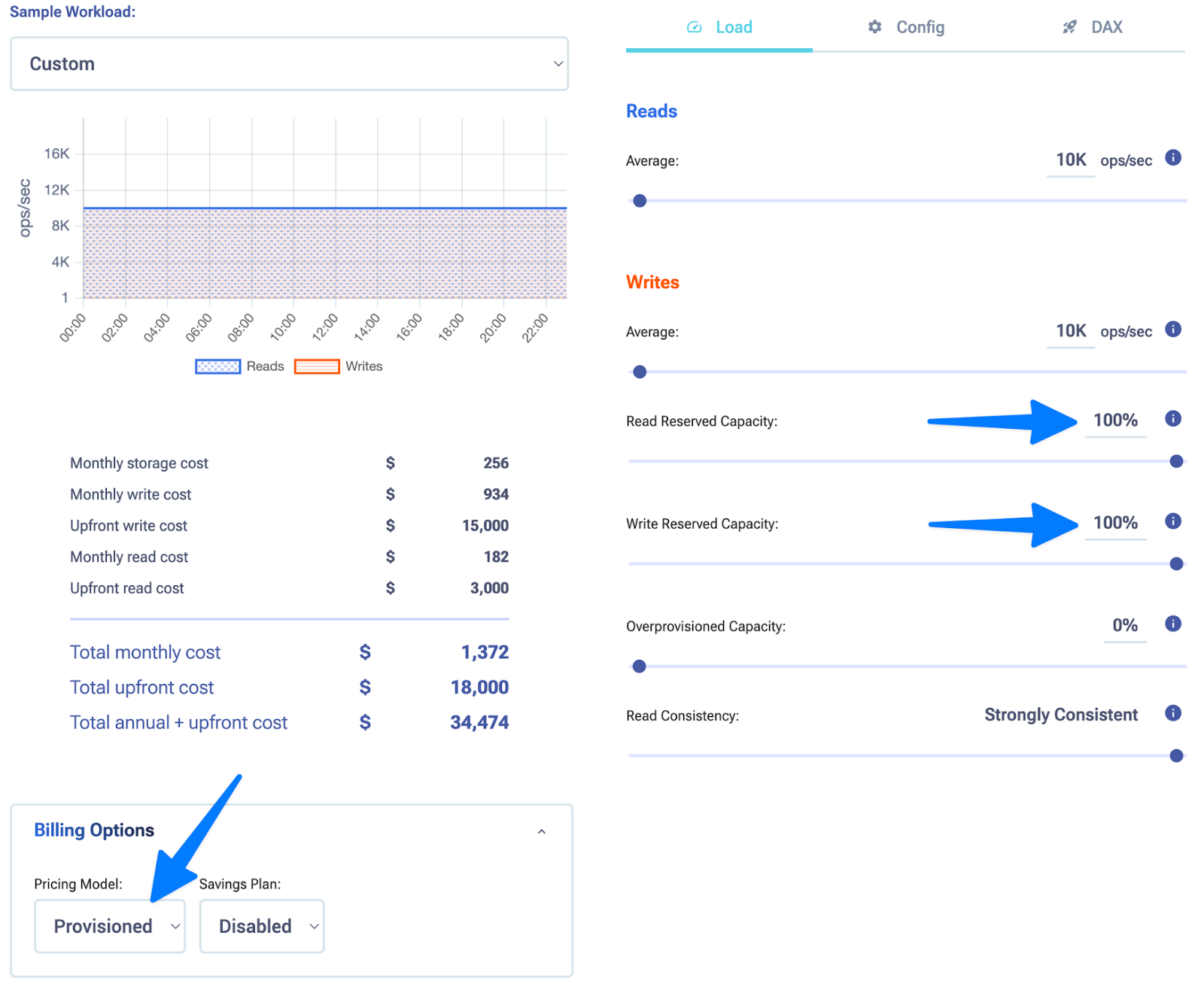
On-Demand: ~$239K/year
Provisioned: ~$71K/year
Reserved: ~$34K/year
That’s a 7x difference between on-demand and reserved. Even if your workload isn’t perfectly predictable, reserved capacity often pays for itself within months.
The trade-off here is that you need a predictable load and the financial flexibility to commit. If your traffic varies wildly (or you’re short-term focused) provisioned mode without reservation is the middle ground. Still, it’s 3.3x cheaper than on-demand.
Optimize item sizes
DynamoDB’s billing is granular: writes are charged per 1KB of item size, and reads per 4KB. This means a 1.1KB item costs the same as a 2KB item on writes. If your items are consistently over these thresholds by a small margin, you’re paying 2-3x more than necessary.
Let’s look at the same simple example, but with increasing item size for comparison.
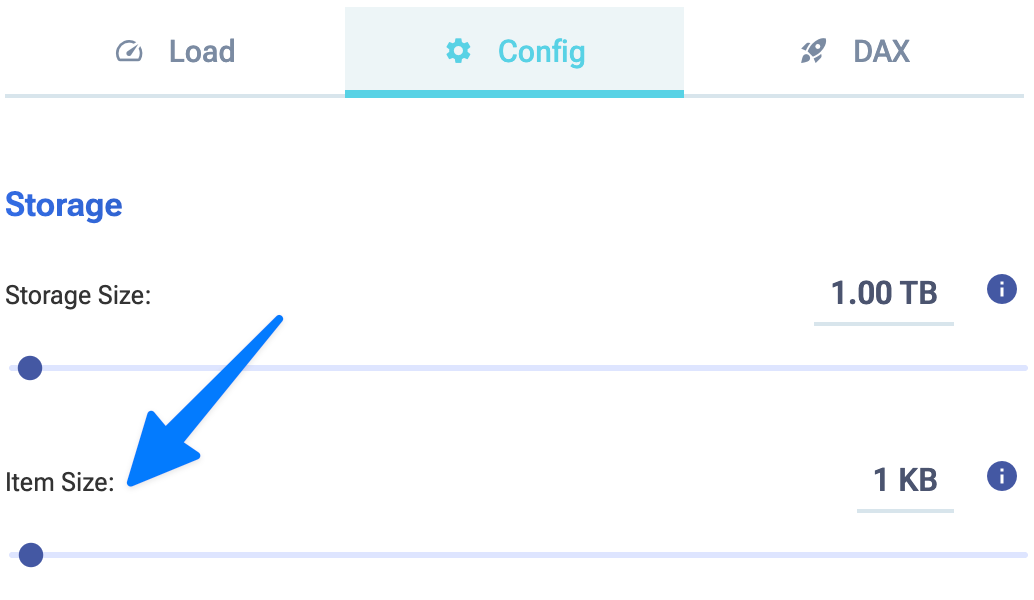
On-Demand with 1KB items: ~$239K/year
On-Demand with 10KB items: ~$2M/year
On-Demand with 100KB items: ~$20M/year
Common culprits for higher DynamoDB costs here:
- Nested JSON with whitespace or redundant fields
- Variable-length strings with no trimming
- Metadata or audit fields added to every item
- Base64-encoded payloads
What should you do? Compress JSON payloads before storage, remove redundant attributes, move infrequently accessed data to a separate table, or use a columnar storage strategy. Trimming just 200 bytes per item – across millions of items and thousands of writes/sec – adds up to thousands per month.
Deploy DAX (DynamoDB Accelerator) for read-heavy workloads
If your workload skews heavily toward reads and you’re not using an in-memory cache layer yet, DAX is one of the highest ROI moves you can make.
DAX sits in front of DynamoDB and caches frequently accessed items in memory. Cache hits bypass DynamoDB entirely, meaning you avoid the RCU charge. For hot items queried thousands of times per minute, a single DAX cluster can reduce DynamoDB read capacity needs.
Let’s look at another simple example: a read-heavy workload running 80,000 reads/sec and 1,000 writes/sec, 24/7.
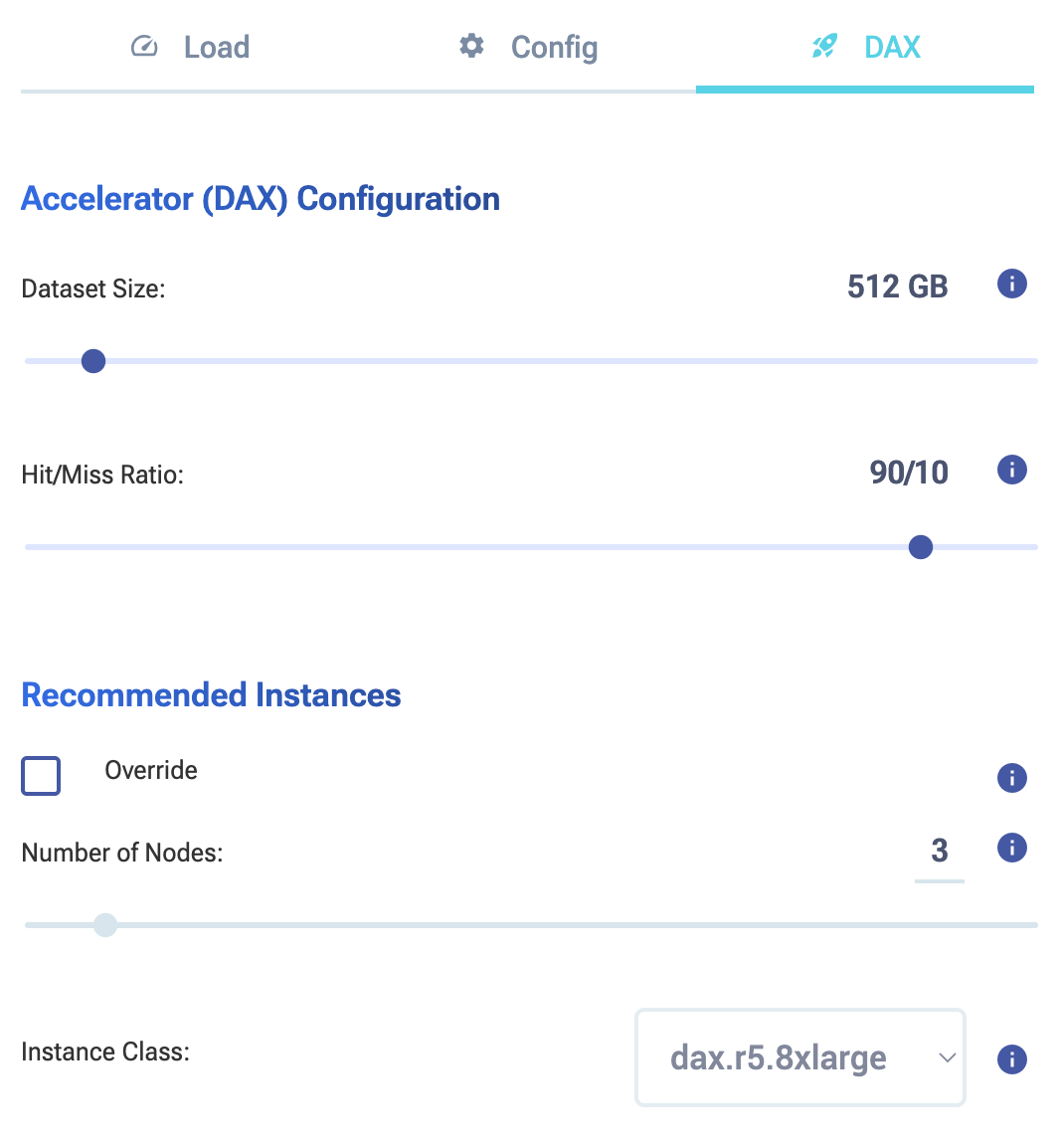
On-Demand: ~$335K/year
On-Demand with DAX: ~$158K/year
The cost math: a medium sized DAX cluster (3 nodes, cache.r5g.8xlarge) costs roughly $9K/month. A high hit rate on your cache will proportionally reduce your more expensive read costs. That can lead to potentially hundreds of thousands of dollars saved with DynamoDB.
Bonus: DAX also improves latency dramatically. Cache hits respond in microseconds rather than milliseconds.
Use the DynamoDB Infrequent Access (IA) table class
Not all tables are created equal. If you have tables where data is accessed rarely but storage is high (think audit logs, historical records, compliance archives, or cold lookup tables), then the Standard-IA table class can save you substantially on storage.
The pricing difference:
-
- Standard class: $0.25/GB
- Standard-IA class: $0.10/GB (up to 60% savings)
The catch is that IA has a minimum item size of 100 bytes and a minimum billing duration. It’s designed for cold data. So, if you’re frequently scanning or querying these tables, IA isn’t the right fit (read costs are identical, but you lose the write discount). However, for true archive tables accessed only occasionally, it’s a no-brainer.
The bottom line
These four DynamoDB changes require minimal code changes, zero migration, and no architectural upheaval. They’re configuration changes, caching tweaks, and data optimization. Combined, they typically deliver massive cost reductions. Start with switching to provisioned + reserved (highest impact), then layer in the others based on your workload shape.
Ready to model your savings? Use the ScyllaDB Cost Calculator at calculator.scylladb.com to compare your current DynamoDB costs against these optimizations. And to save even more, see how ScyllaDB compares.